 Swivly
Type gmail.com, turn the dial
Your accounts sit on a dial in Google's order. Arrow keys turn it, 1 to 9 jump straight to an account, Enter opens. The pick then carries to Drive, Calendar, Meet and the rest for 15 minutes.
←→19↵
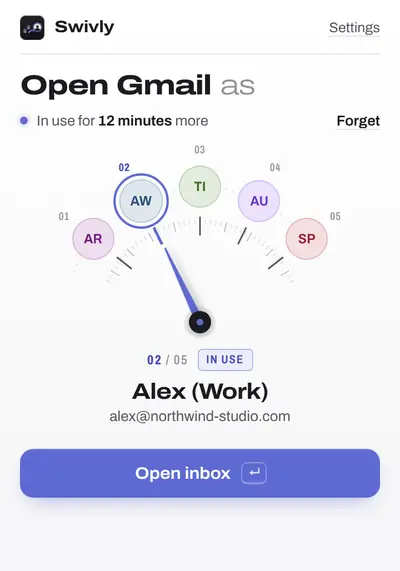
Signed in to Google more than once? Swivly ends the wrong-inbox, wrong-avatar, “You need access” routine. Gmail asks which account once. Docs open where you have access. Links from an email open in that inbox’s account.
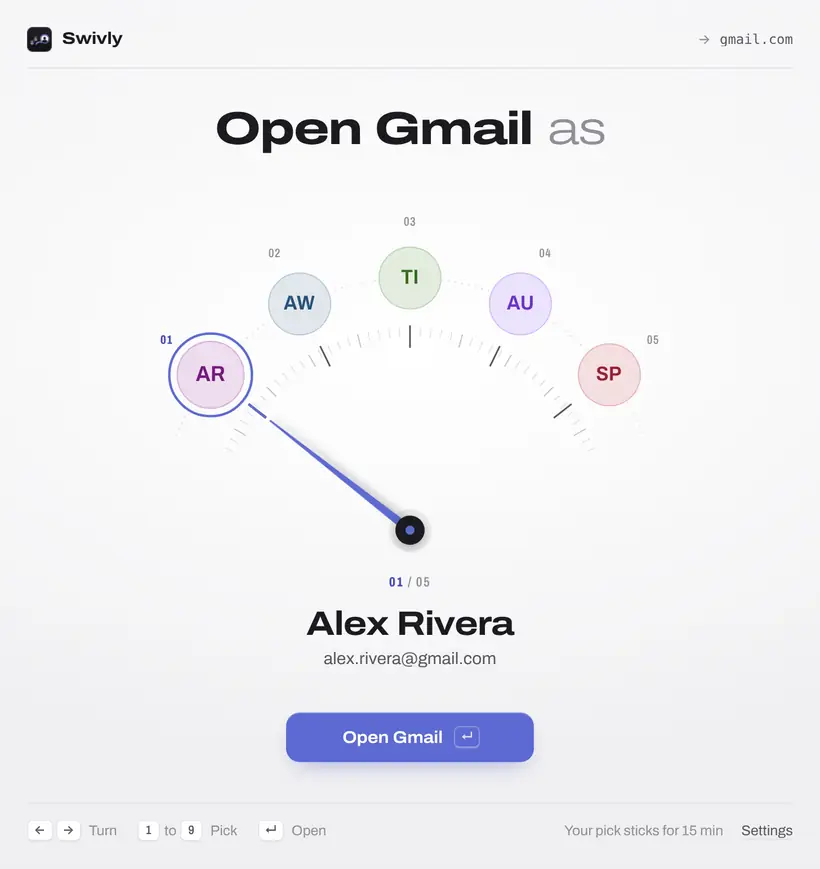
Your accounts sit on a dial in Google's order. Arrow keys turn it, 1 to 9 jump straight to an account, Enter opens. The pick then carries to Drive, Calendar, Meet and the rest for 15 minutes.
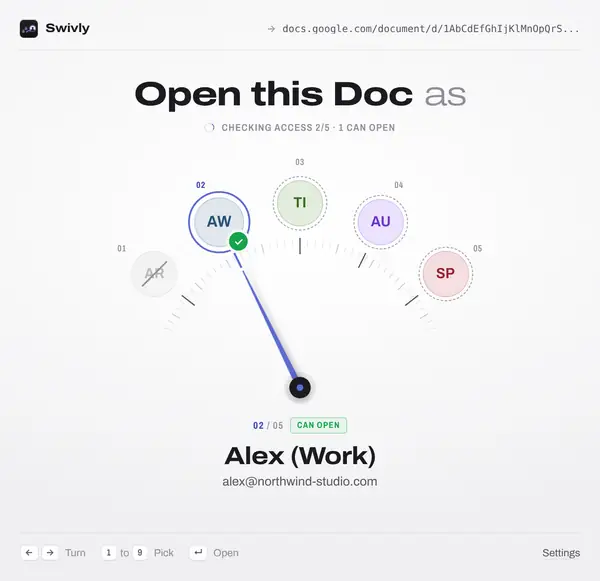
Click a Doc, Sheet, Slides, Form or Drive link and Swivly checks every signed-in account, live. If only one can open it, it opens there and tells you why.
A Doc, Meet or Calendar link in an email opens in the account that received the email, without asking, as long as that account can open it.
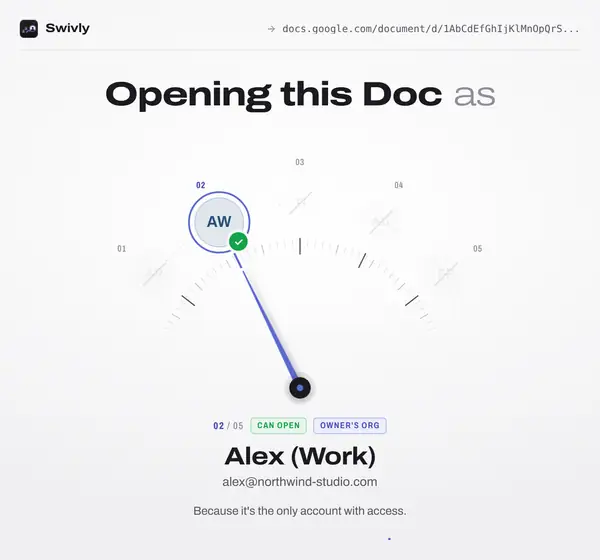
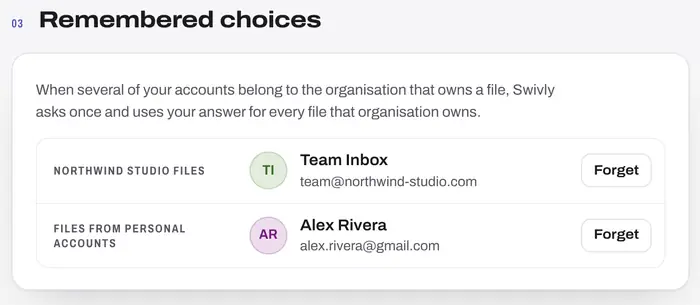
Two of your accounts in the company that owns a file? Swivly asks once and remembers, for every file that company owns. Change it any time in Settings.
For file links, Swivly first checks which of your signed-in accounts can open the file. Then:
Swivly is on its way to the Chrome Web Store. It's free.